BlackDrop
A simple video downloader for Android. Copy a link, tap the drop, and the video is saved to your phone.
How it works
Copy a video link
In YouTube, TikTok, Instagram, Facebook or X, tap Share and then Copy link.
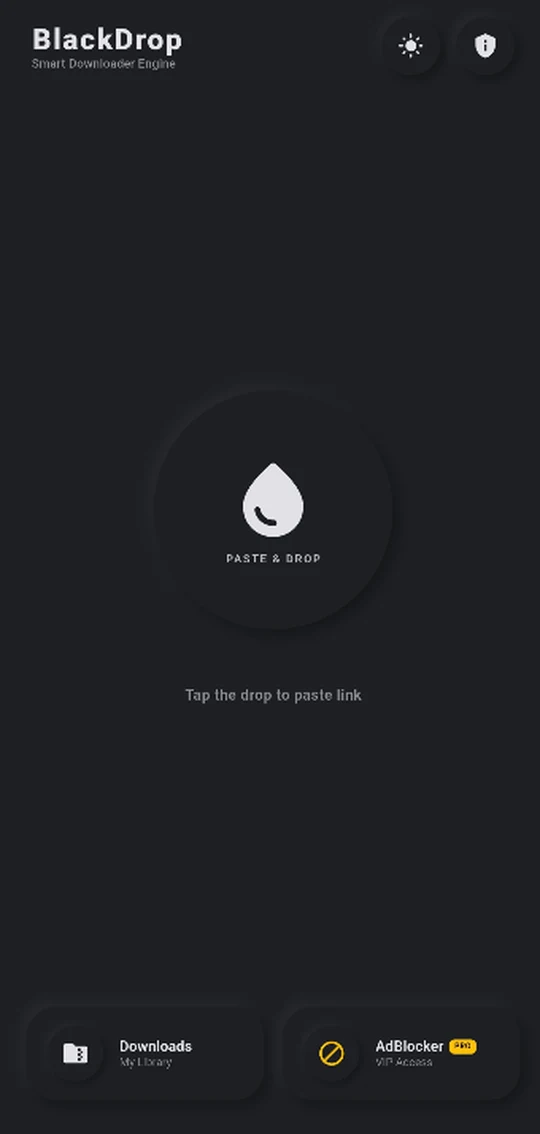
Tap the drop
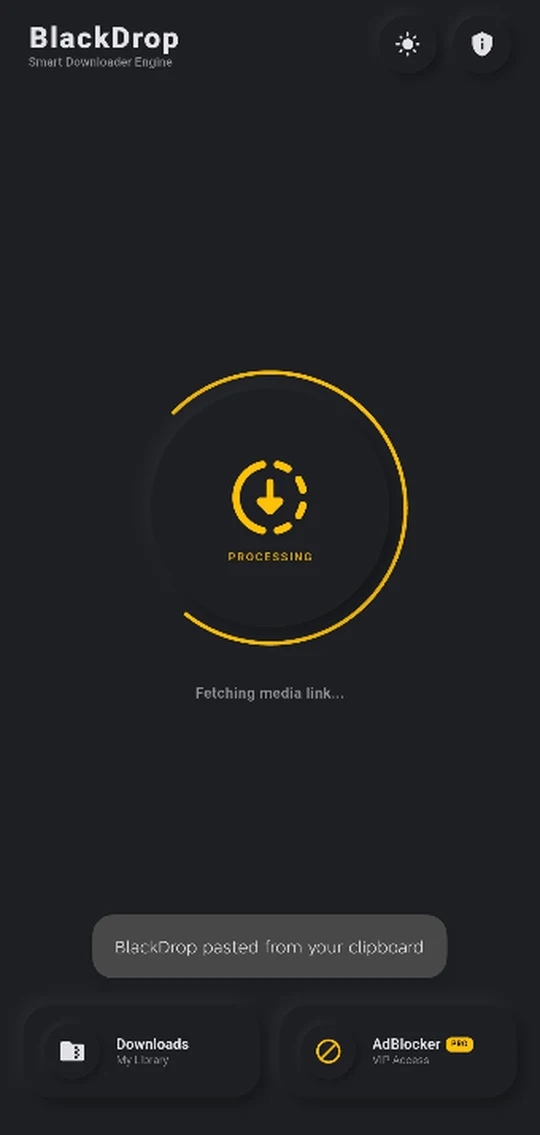
Open BlackDrop and tap the big drop. The app finds the video and downloads it.
Watch it anywhere
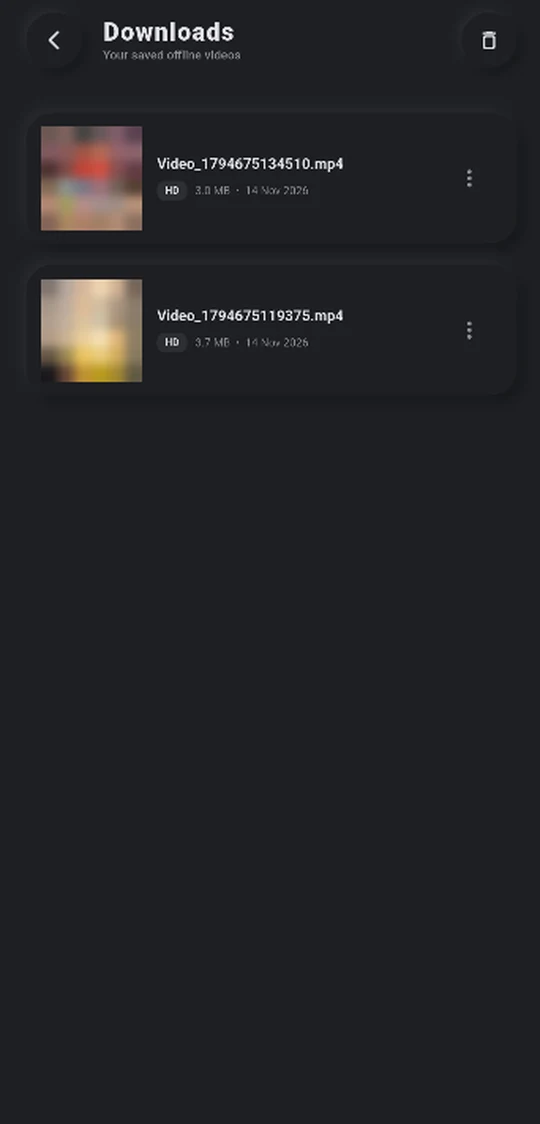
The video is saved to your gallery and to the Downloads library inside the app, so you can watch it without internet.
Works with
YouTube (videos and Shorts), TikTok, Instagram, Facebook and X. It works with public videos. These platforms change often, so a link can fail on some days. When that happens, updates are posted on this page.
Use it responsibly
Only save videos you own or have permission to save. You are responsible for what you download and how you use it. See our Terms.
Is BlackDrop safe?
BlackDrop is made by me, Shabab Haider (ShababTools). It has no accounts, no ads and no sign-up. It asks only for internet access, to find videos, and storage access, to save them. The file is signed with my own key, and the only server the app contacts for itself is shababtools.tech, to check for updates. Android shows a warning because the app is not on the Play Store. Download it only from this page, and read the Privacy Policy for details.
Current version 1.0.1. To check your download, compare its SHA-256 with this one:E570B8814751AB9A43D80CB1C45C3EE6448020F28D306A48AB3E207826EE4580
Install the APK in 4 steps
Download
Tap Download APK on this page and wait until it finishes (about 50 MB).
Open the file
Tap the downloaded file from your browser or your Downloads folder. If Android says it blocks installs from this source, tap Settings and switch on Allow from this source. You only do this once. Then go back.
Tap Install
If Google Play Protect shows a warning, tap More details and then Install anyway. This is normal for apps that are not on the Play Store.
Open BlackDrop
Copy a video link, open the app and tap the drop.
Why does Android show a warning?
BlackDrop is not on the Play Store, so Android and Play Protect show a warning for any app installed from a website. You get the same warning for every app installed this way. It does not mean the file is harmful. Download it only from shababtools.tech.
The install failed or the app will not open
Delete the downloaded file and download it again, then install. If you have an older test version, uninstall it first. Still stuck? Message me on WhatsApp and tell me your phone model and what Android shows.
A video will not download
Make sure the video is public and the link is copied in full. Instagram and Facebook only let the app read some public videos, so a few links will fail. Updates are posted on this page when a platform changes.